Tutorials › Shortlets · Episode 5
Stop Double Bookings: Sync Airbnb and Booking.com Calendars
Connect your Airbnb and Booking.com calendars to Lana so nights sold elsewhere are blocked on your booking page, send Lana's bookings back to both, and block dates for repairs.
Plays from YouTube when you tap it.
What you'll learn
List on Airbnb or Booking.com as well as taking direct bookings? Then the same night can sell twice. In this tutorial you’ll connect a unit’s Airbnb and Booking.com calendars to Lana, sync them, and send Lana’s own calendar link back so your direct bookings close those nights on both sites. Then see the imported nights on the Availability calendar, and block dates yourself when a unit is off the market for repairs.
Chapters
Step by step
Open the unit
Open Units, and edit the apartment. Scroll down to Calendar Sync.
Paste your calendar links
Paste your Airbnb calendar link here. Airbnb calls it Export calendar. Then your Booking.com link, from its Sync calendars page.
Send Lana's link back
This one goes the other way. Copy Lana's link, and import it on Airbnb and Booking.com, so your Lana bookings close those nights there.
Sync and save
Tick Enabled, and tap Sync now. Lana brings in the nights already sold elsewhere, then checks again every thirty minutes. Save your changes.
See the blocked nights
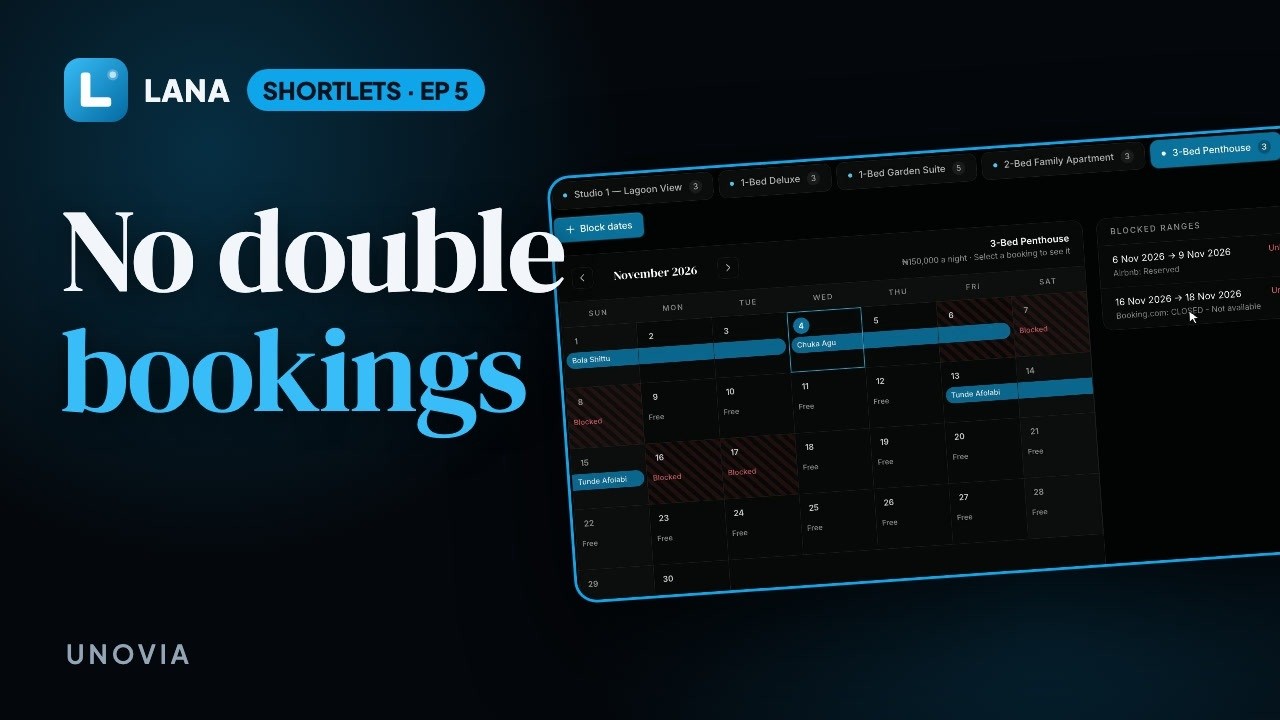
On Availability, pick the unit. The Airbnb booking and the Booking.com dates now show as blocked, so nobody can book those nights on your Lana booking page.
Block dates yourself
Need a unit off the market for repairs? Tap Block dates, choose the unit and the dates, and add a reason. A block you add here stays in Lana, so close the same dates on Airbnb and Booking.com too.
Questions
How often do calendars sync?
Every 30 minutes once Enabled is ticked. Tap Sync now to bring them in straight away.
Where do I find my Airbnb calendar link?
In Airbnb, open the listing's calendar, then Availability, then Connect calendars, and copy the Export calendar link. On Booking.com it is under Rates & Availability, then Sync calendars.
Can Airbnb see bookings made on Lana?
Yes. Each unit has its own Lana calendar link. Import it on Airbnb and Booking.com and the nights booked in Lana close there too.
Can I block dates for maintenance?
Yes. On Availability, tap Block dates, choose the unit and dates, and add a reason. Those nights can no longer be booked on your Lana booking page. A block you add in Lana is not sent to Airbnb or Booking.com, so close the same dates there too.