Tutorials › Shortlets · Episode 8
Run Your Shortlet by Chat with Lana, Your AI Assistant
Run your shortlet by chat: ask Lana who arrives today, take a booking or log an expense in plain words. Every change waits for your tap before it happens.
Plays from YouTube when you tap it.
What you'll learn
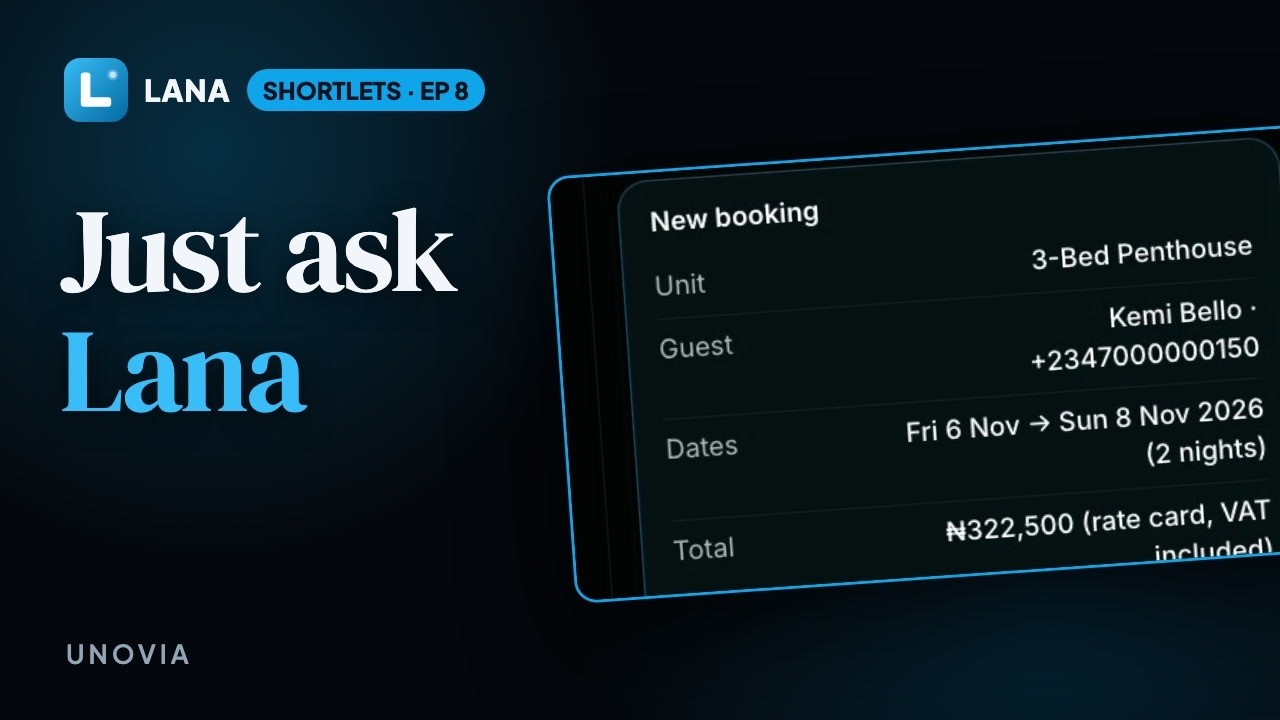
Run your shortlet apartment by chat. In this tutorial you'll open Lana, the assistant beside every page of the app, and ask who's arriving and leaving today. Then take a booking in one message: Lana checks the unit is free, works out the price with VAT and shows a booking card, and nothing happens until you tap Book it. Log a diesel expense the same way, and see the new booking waiting in Reservations, made through the same screens you use.
Chapters
Step by step
Open Lana
Tap Ask Lana. She sits beside every page.
Ask about today
Ask who's arriving and leaving today. Lana reads your bookings and answers in seconds, and flags anything that needs you, like a checkout that's overdue.
Take a booking
Now a booking. Ask whether a unit is free, and give the guest's details. Lana checks the dates, works out the price, and shows you a card. Nothing happens until you tap Book it.
Log an expense
Spent money on diesel? Just say so. Lana files it under the right category, and logs it when you tap.
It's in Reservations
Lana makes every change through the same screens you use, so Kemi's booking is right there in Reservations.
Questions
Can Lana make changes on her own?
No. She shows each change as a card with the details, and nothing happens until you tap the button on it, such as Book it or Log expense.
What can I ask?
Who is arriving or leaving, which units are free, who owes you, and your report numbers. You can also ask her to take a booking, check guests in or out, record a payment, extend or cancel a stay, block dates or log an expense.
Does Lana follow the same rules as the app?
Yes. Every change goes through the same screens you use, so prices, VAT, availability and double-booking checks apply exactly as they do when you do it yourself.
Can Lana refund guests?
No. Refunds of money or caution deposits are always done by a person.
Can I give Lana passwords or bank details?
No. Lana never takes passwords, bank details or API keys. Add those yourself in Settings.