Tutorials › Shortlets · Episode 3
Manage Shortlet Arrivals, Departures and Payments Each Morning
See who is in each unit tonight and over the next 14 nights, then check guests in and out and record part payments in Lana, in a few taps.
Plays from YouTube when you tap it.
What you'll learn
Every morning a shortlet owner needs three answers: who is in tonight, who is arriving or leaving, and who still owes you money. In this tutorial you'll see how Lana answers all three. The dashboard shows each unit's guest tonight and the next 14 nights of bookings. In Reservations you check a guest in, record a part payment by transfer, and check a guest out, and the balance and the unit board update straight away.
Chapters
Step by step
Who's in tonight
This is your dashboard. Each tile is one of your units. Blue means a guest is staying tonight, with their name and how many nights they have left. Grey means the unit is free. At the top, you see how many units are occupied tonight. Three of five. No calling the caretaker, no scrolling through WhatsApp.
The next 14 nights
Underneath, the next fourteen nights. Each bar shows how full you are, so you can spot the empty nights early and push a discount or a post on Instagram.
Who owes you
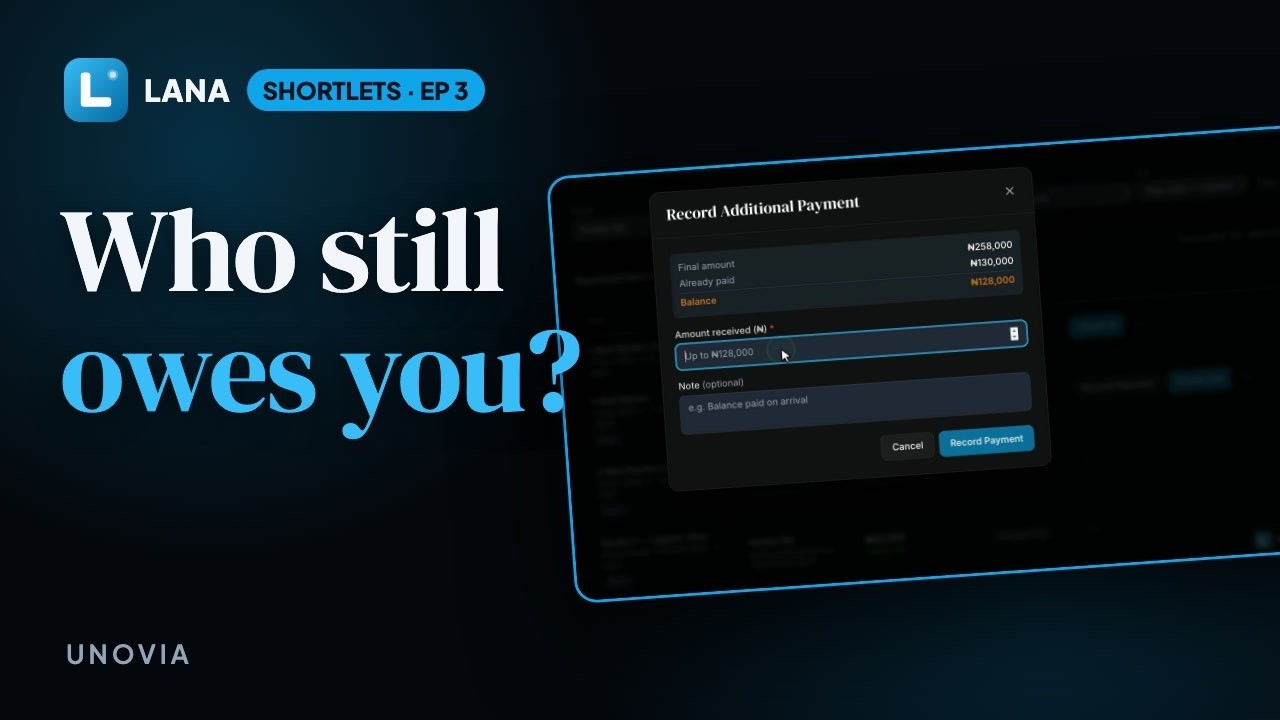
Now, the money. Open Reservations. Every booking shows what the guest has paid, and what's left.
Check a guest in
Chiamaka is arriving today. When she gets the keys, tap Check in. Lana records the time, and the unit shows as occupied.
Record a payment
Amaka paid half by transfer and owes the rest. Tap Record payment, enter what she sent, add a note if you like, and save. The balance updates straight away.
Check a guest out
When a guest leaves, tap Check out. The unit is free again for the next booking.
Profit by unit
Scroll down the dashboard and you'll see the month's revenue, running costs and profit, unit by unit.
Questions
What does the Lana dashboard show a shortlet owner?
Each unit's guest tonight and how many nights they have left, how many units are occupied, the next 14 nights of bookings, and this month's revenue, costs and profit by unit.
Where do I see who still owes me money?
In Reservations. Every booking shows what the guest has paid and what is still due. Record a part payment with a note, such as "balance by transfer", and the balance updates at once.
Does my staff see the same screen?
Yes. Everyone on your team sees the same dashboard and reservations, limited to what their role allows.
Does it work on a phone?
Yes, Lana works in the browser on any phone, tablet or laptop.