Tutorials › Gyms · Episode 1
How to Set Up Your Gym on Lana: Branding, Plans and Check-in Codes
Set up your gym on Lana in minutes: add your logo and brand colour, create membership plans, add your location and print your check-in and sign-up QR codes.
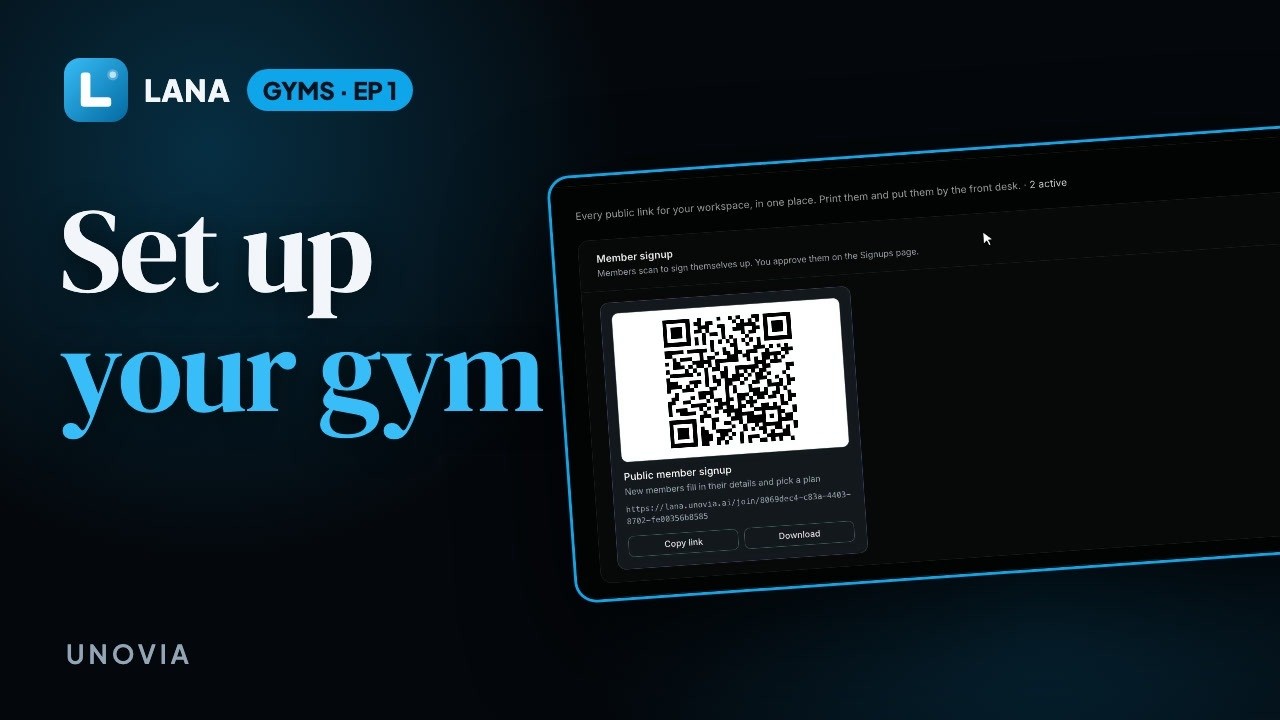
Plays from YouTube when you tap it.
What you'll learn
Running a gym from a notebook means chasing renewals and guessing who has been in. In this tutorial you'll set up your gym on Lana: upload your logo and pick your brand colour, add membership plans with a price and a length, add your location, and find the QR codes to print, one for new members to sign up and one for your door so members check in with their phone.
Chapters
Step by step
Logo and colour
Start in Settings. Upload your gym's logo and pick your brand colour. Members see both on the page they check in with. Then save.
Membership plans
Further down, add your membership plans. Give each one a name, a price, and how many days it lasts. A monthly plan, a day pass, whatever you sell.
Your location
Next, in Locations, add your gym and its address. Each location gets its own check-in code.
Your QR codes
Everything you need to print is now under QR Codes. One for new members to sign up, and one to put up at your door, so members can check in.
Questions
What do I need to set up my gym on Lana?
Your gym's name, logo and brand colour, the membership plans you sell with their prices and lengths, and the address of each location.
Can I sell daily, weekly and monthly plans?
Yes. Each plan has its own name, price and number of days, so a day pass, a monthly plan and a yearly plan can sit side by side.
Does each location get its own check-in code?
Yes. Every location you add gets its own check-in QR code to put up at the door.
Do members need to download an app?
No. Members scan the code with their phone camera and check in from the browser.