Tutorials › Gyms · Episode 5
How to Let New Gym Members Sign Up and Pay Online
Share your gym's sign-up link or QR code. New members fill in their details, pick a plan and pay by transfer from their phone, and you approve them in one tap.
Plays from YouTube when you tap it.
What you'll learn
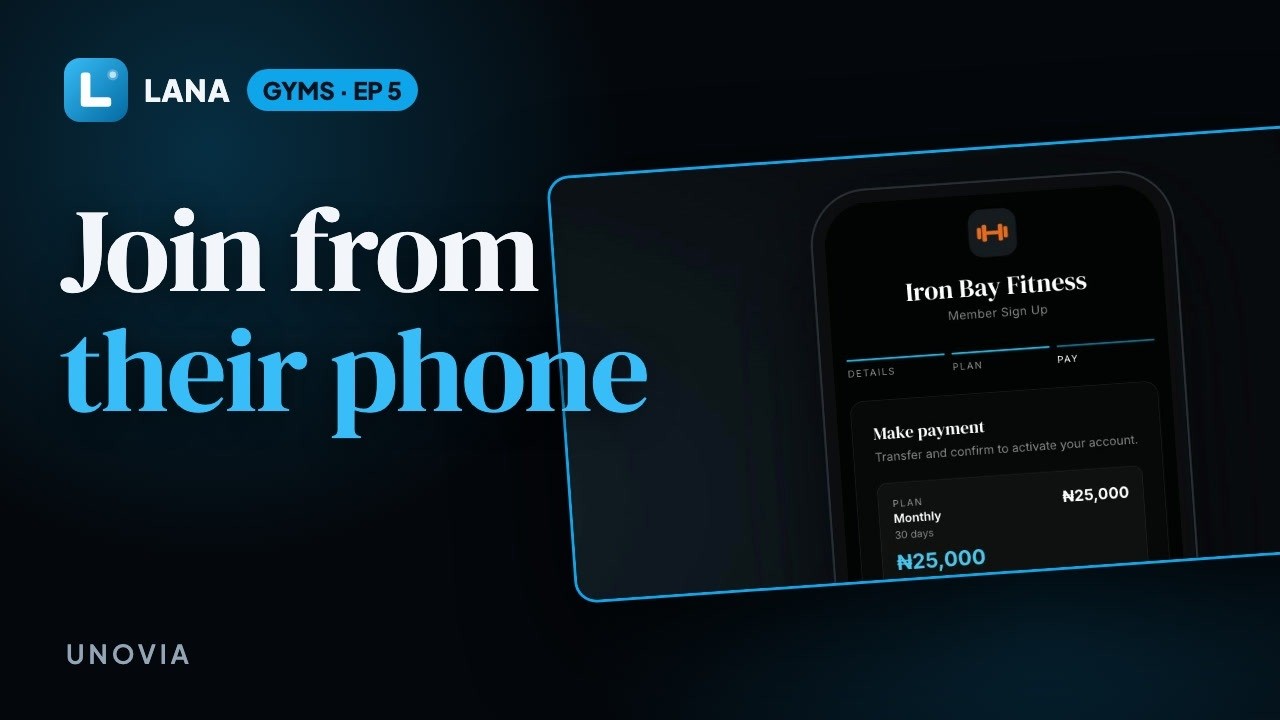
Not every new member walks up to your desk. In this tutorial you'll find your sign-up link and QR code, which you can print for the front desk or share on WhatsApp and Instagram. A new member scans it, fills in their name, email, phone and birthday, picks a plan, sees the amount and your bank details and taps to say they've paid. Their request lands on your Signups page; check the money has arrived and approve them, and they're a member ready to check in.
Chapters
Step by step
Your sign-up link
Your sign-up link and its QR code are on the QR Codes page. Print the code for your front desk, or share the link on WhatsApp and Instagram.
They scan it
Someone who wants to join scans it with their phone camera, and opens a page with your name and logo on it.
Their details
They type their name, email and phone number, add their birthday, and choose your location.
Plan and payment
Then they pick a plan, see the amount and your bank details, make the transfer, and tap to say they've paid.
Approve
Their request lands on your Signups page. Check the money has arrived, then tap Approve.
A new member
They're a member now, with their plan starting today, ready to check in at your door.
Questions
Where do I find my gym's sign-up link?
On the QR Codes page, as a link and a QR code you can print or share on WhatsApp and Instagram.
How do new members pay?
They pick a plan and see the amount and your bank details, make the transfer and tap to say they've paid.
Does a new member get in before I check the payment?
No. Their request waits on your Signups page until you approve it.
Does the sign-up page show my gym's name and logo?
Yes. It carries your gym's name and logo.